

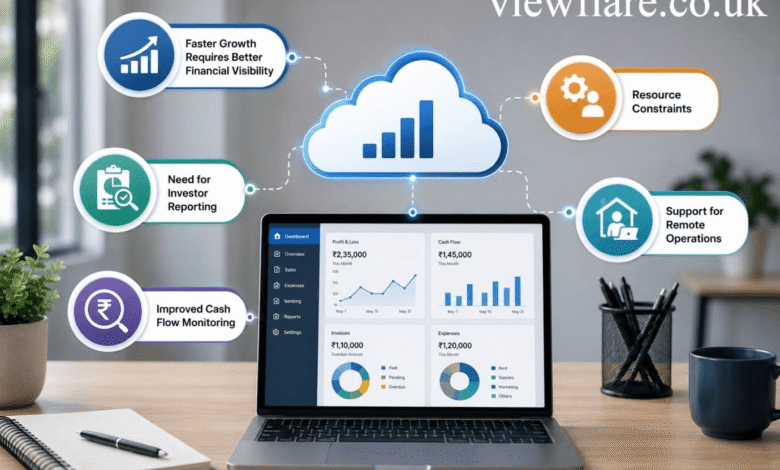
Introduction
Cloud accounting technology has changed how businesses manage financial records, invoices, expenses, reporting, and collaboration. Instead of depending entirely on accounting programs installed on individual computers, businesses can use cloud based accounting systems through an internet connection.
The biggest advantage is accessibility. Business owners, accountants, bookkeepers, and finance teams can work with financial information from different locations while maintaining a shared accounting system.
Modern platforms also go beyond basic bookkeeping. They can connect with banks, payment systems, payroll tools, customer relationship platforms, and enterprise resource planning systems. AI driven accounting and automation are also making tasks such as reconciliation, invoice processing, expense categorization, and financial analysis more efficient.
This guide explains what cloud accounting technology is, how it works, its benefits and risks, security considerations, software examples, deployment choices, integrations, and what businesses should expect from the technology in the future.
What Is Cloud Accounting Technology?
Cloud accounting technology is an accounting system that stores and processes financial information through cloud infrastructure instead of relying solely on locally installed software.
Users typically access the system through a web browser or mobile application. The provider manages much of the underlying infrastructure, software updates, storage, and system availability.
The concept fits the broader NIST definition of cloud computing, which describes on demand access to shared computing resources that can be rapidly provisioned with limited management effort.
Cloud accounting can include:
- Bookkeeping
- Invoicing
- Expense tracking
- Bank reconciliation
- Payroll connections
- Financial reporting
- Tax related records
- Budgeting
- Cash flow monitoring
- Financial forecasting
- Multi currency accounting
- Collaboration with accountants
Examples of well known cloud accounting platforms include QuickBooks Online and Xero. QuickBooks provides cloud access, bank feeds, reporting, invoicing, expense management, and accountant collaboration. Xero provides online accounting features including invoicing, payments, bill management, expense tracking, bank reconciliation, reporting, and forecasting.
How Does Cloud Accounting Work?
Cloud accounting works by storing financial information within a remotely hosted computing environment managed by the software provider.
Instead of keeping the primary accounting database only on a local computer, authorized users connect to the service online.
A typical process looks like this:
- A business creates an account with a cloud accounting provider.
- Financial data is entered manually or imported from connected systems.
- Bank accounts and payment services can be connected where supported.
- Transactions are categorized and reconciled.
- The system produces financial reports and dashboards.
- Authorized users can review the information from supported devices.
- Updates and new features are generally delivered by the provider.
This model makes collaboration easier because multiple authorized users can work from a shared financial system rather than exchanging accounting files.
Cloud Accounting vs Traditional Accounting
The main difference is where the accounting system is hosted and how users access it.
| Feature | Cloud Accounting | Traditional Desktop Accounting |
|---|---|---|
| Access | Internet connected devices | Usually installed devices |
| Updates | Generally managed by provider | Often requires user action |
| Collaboration | Easy remote collaboration | More limited |
| Data storage | Cloud infrastructure | Local device or local server |
| Remote work | Strong support | Can require additional setup |
| Integration | APIs and connected services | May require additional tools |
| Scalability | Usually easier to expand | May require upgrades |
Traditional accounting software can still be appropriate for certain businesses. However, organizations with remote finance teams, multiple locations, or a growing need for integrations may find cloud accounting more convenient.
What Are the Main Benefits of Cloud Accounting?
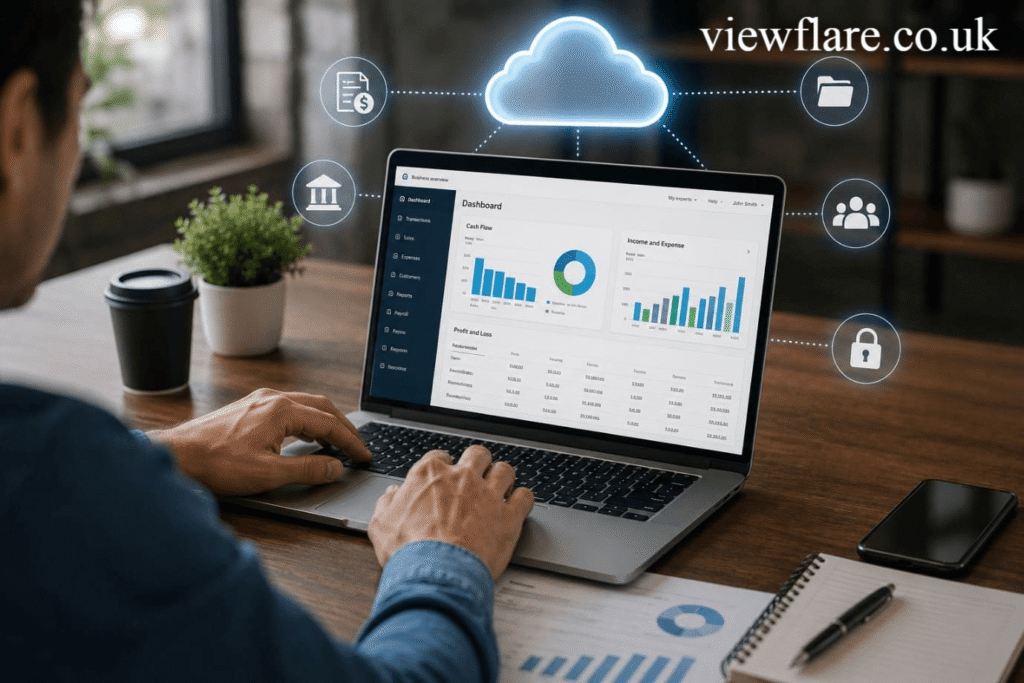
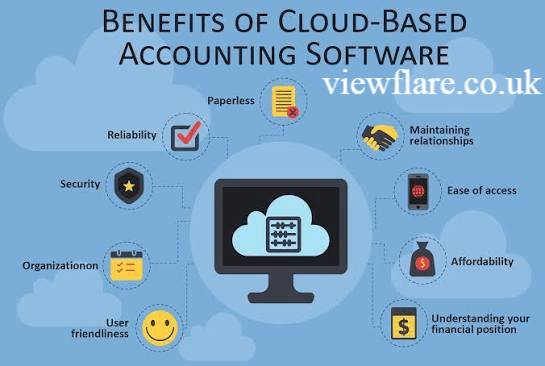
The biggest benefits are accessibility, automation, collaboration, integration, and faster access to financial information.
1. Access Financial Information Anywhere
Cloud based accounting allows authorized users to access financial information from supported devices and locations.
This is particularly useful for business owners who travel and companies with remote accounting teams.
2. Improve Collaboration
Business owners can give accountants, bookkeepers, managers, or other authorized employees appropriate access to financial records.
QuickBooks, for example, supports accountant and bookkeeper access.
3. Automate Repetitive Tasks
Accounting automation can reduce repetitive manual work.
Depending on the platform, businesses may automate or simplify:
- Bank transaction imports
- Invoice reminders
- Bill entry
- Expense tracking
- Bank reconciliation
- Recurring transactions
- Financial reporting
Xero currently highlights automated bill entry, bank reconciliation, document capture, reporting, and forecasting among its online accounting capabilities.
4. Get Better Financial Visibility
Real time financial visibility helps business owners understand revenue, expenses, cash flow, outstanding invoices, and other important metrics without waiting for manually prepared reports.
This can support faster operational decisions.
5. Connect Other Business Systems
Cloud accounting platforms can often connect with banks, payment processors, payroll services, inventory systems, CRM platforms, and ERP software.
API integration can allow information to move between systems without requiring employees to repeatedly enter the same information.
6. Support Business Growth
Small business accounting software can provide a starting point for growing companies, while enterprise accounting software can support more complex financial operations.
The right system should scale with transaction volume, users, entities, currencies, reporting requirements, and integration needs.
How Is AI Changing Cloud Accounting?
AI is making accounting software more capable of recognizing patterns, processing documents, automating routine work, and producing financial insights.
Artificial intelligence in accounting can support tasks such as:
- Invoice data extraction
- Expense categorization
- Automated reconciliation
- Anomaly detection
- Fraud detection
- Financial forecasting
- Document processing
- Predictive analytics
- Business intelligence
AI driven accounting does not eliminate the need for professional judgment. Financial teams still need to review unusual transactions, accounting treatments, compliance requirements, and important business decisions.
The most useful approach is to treat intelligent automation as an assistant rather than an unquestioned replacement for accounting expertise.
How Does Cloud Accounting Support Remote Finance Teams?
Remote accounting has become easier because financial data can be accessed through connected devices rather than remaining tied to a single office computer.
Distributed finance operations can use cloud systems to:
- Share financial information
- Assign accounting tasks
- Review transactions
- Communicate with accountants
- Approve expenses
- Monitor cash flow
- Access reports
- Work across different locations
This can be particularly valuable for businesses operating across several offices or employing remote finance professionals.
Is Cloud Accounting Secure?
Cloud accounting can provide strong security, but security depends on both the provider and the customer’s configuration and practices.
NIST identifies security and privacy as important considerations when organizations move applications and data into public cloud environments.
Important cloud accounting security considerations include:
- Encryption
- Strong passwords
- Multi factor authentication
- Role based access
- Audit trails
- Regular backups
- Security monitoring
- Access management
- Data residency requirements
- Vendor security controls
QuickBooks states that its cloud accounting service stores account information in the cloud and uses security measures to protect customer data. Xero also describes multiple layers of protection, including encryption, for its online accounting environment.
Businesses should still avoid giving every employee unrestricted access. User permissions should match each person’s responsibilities.
Public vs Private vs Hybrid Cloud Accounting
Businesses can use different cloud deployment approaches depending on their requirements.
Public Cloud Accounting
Public cloud accounting uses infrastructure operated by a cloud service provider and shared across customers at the infrastructure level.
It is often attractive to smaller businesses because the provider handles much of the underlying infrastructure.
Private Cloud Accounting
Private cloud accounting uses a dedicated cloud environment for a particular organization.
It can provide greater control and may be suitable for organizations with specialized security, compliance, or infrastructure requirements.
Hybrid Cloud Accounting
Hybrid cloud accounting combines cloud environments with other infrastructure.
It may be useful when an organization needs to retain certain legacy accounting systems or sensitive workloads while moving other financial functions into cloud services.
The appropriate model depends on security requirements, compliance obligations, budget, existing infrastructure, and technical capabilities.
How Does Cloud Accounting Integrate With ERP Systems?
Integration connects accounting data with other business processes so information can move between systems more efficiently.
ERP integration can connect accounting with:
- Inventory
- Procurement
- Sales
- Payroll
- Customer management
- Supply chain operations
- Human resources
- Payment processing
Accounting system integration can also improve financial consolidation when a company operates multiple entities.
For larger organizations, useful capabilities may include multi entity accounting, intercompany reconciliation, multi currency accounting, and multi jurisdiction accounting.
Before choosing a platform, check whether it supports the APIs and integrations your business actually needs.
Cloud Accounting for Small Businesses
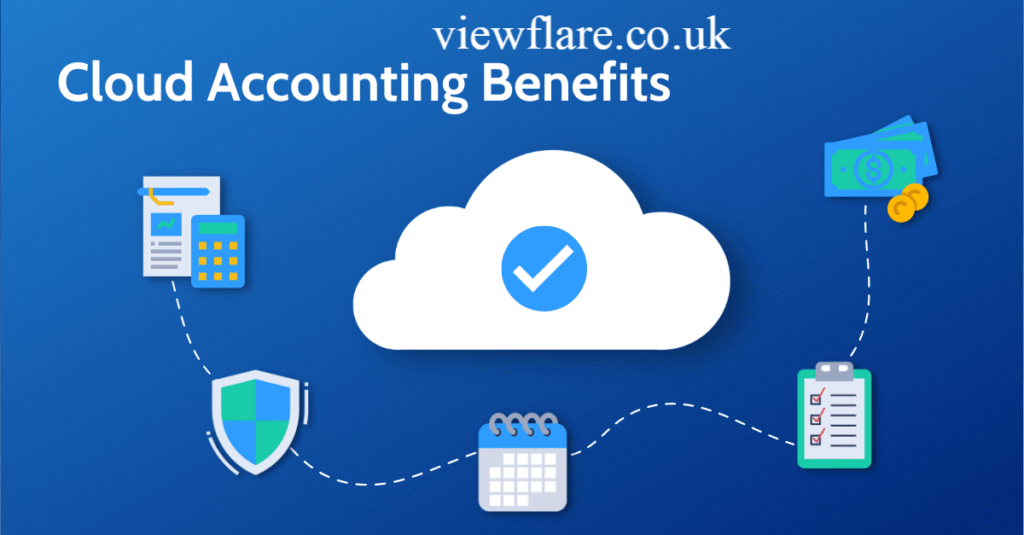
Cloud accounting can be especially useful for small businesses because it can combine several financial functions into one online system.
A small business may use cloud accounting for:
- Income and expense tracking
- Invoicing
- Bank reconciliation
- Receipt management
- Cash flow monitoring
- Tax preparation support
- Financial reports
- Accountant collaboration
The goal should not be to choose the platform with the longest feature list. Instead, choose software that fits the business’s transaction volume, accounting needs, integrations, budget, and level of technical expertise.
What Are the Risks and Disadvantages?
Cloud accounting has significant advantages, but it is not risk free.
Common concerns include:
Internet Dependence
Most cloud accounting platforms require reliable internet access. An outage can temporarily affect access.
Subscription Costs
SaaS accounting software normally uses recurring subscription pricing. Businesses should consider the total cost over several years rather than only the introductory price.
Vendor Dependence
Moving accounting data from one provider to another can require planning. Businesses should understand export options and data portability before committing.
Security Risks
Cloud systems can still face phishing, stolen credentials, misconfigured permissions, and other cybersecurity threats.
Migration Challenges
Moving from legacy accounting systems can involve data cleaning, account mapping, reconciliation, testing, and employee training.
A good cloud migration strategy should include backups, testing, user training, permission planning, and a clear rollback or recovery process.
How to Choose Cloud Accounting Software
Before selecting cloud accounting software, compare the following:
| Requirement | What to Check |
|---|---|
| Accounting | Core bookkeeping and reporting |
| Automation | Reconciliation, invoices, expenses |
| Security | Authentication and access controls |
| Integrations | Banking, payroll, ERP and APIs |
| Scalability | Users, entities and transaction volume |
| Reporting | Custom reports and dashboards |
| Collaboration | Accountant and team access |
| Compliance | Tax and reporting requirements |
| Support | Help channels and documentation |
| Pricing | Subscription and additional costs |
Popular providers in this category include QuickBooks and Xero, while larger organizations may evaluate broader financial management and ERP platforms.
The best solution is the one that fits the company’s actual financial workflow rather than the one with the most marketing features.
What Is the Future of Cloud Accounting Technology?
The future is likely to focus on deeper automation, AI assisted workflows, predictive analytics, real time reporting, and stronger connections between financial and operational systems.
Several developments are especially important.
More Intelligent Automation
Accounting platforms are increasingly using automation to reduce repetitive data entry and reconciliation work.
Predictive Financial Insights
Financial forecasting and predictive analytics can help businesses identify possible cash flow issues and understand financial trends.
Continuous Financial Close
Instead of waiting until the end of a reporting period to complete every accounting task, businesses can increasingly maintain financial information continuously throughout the period.
ESG and Carbon Accounting
As businesses track environmental and sustainability information, ESG accounting and carbon accounting can become more integrated with financial operations.
Stronger Integrations
Cloud platforms are likely to become increasingly connected with ERP systems, payment services, banking platforms, payroll tools, and business intelligence systems.
The broader direction is clear: accounting software is moving from a record keeping tool toward a connected financial operations platform.
Custom FAQ Section
What is cloud accounting?
Cloud accounting is an accounting approach where financial data and accounting applications are hosted in a cloud environment and accessed through connected devices. It supports functions such as bookkeeping, invoicing, reconciliation, reporting, and collaboration.
What are the benefits of cloud accounting?
The main benefits include remote access, easier collaboration, automation, integrations, centralized financial information, and faster reporting. The exact benefits depend on the software and business workflow.
What are the advantages and disadvantages of cloud accounting?
Advantages include accessibility, automation, collaboration, scalability, and integration. Disadvantages can include subscription costs, internet dependence, vendor dependence, migration challenges, and cybersecurity risks.
What are some cloud based accounting software examples?
Examples include QuickBooks Online and Xero. Both provide online accounting capabilities for tasks such as invoicing, expenses, reconciliation, reporting, and collaboration.
Where can I find a cloud accounting PDF?
A cloud accounting PDF may be available through accounting software providers, professional organizations, educational institutions, or technology research publishers. When using a PDF for business decisions, check its publication date and source because accounting technology changes quickly.
Conclusion
Cloud accounting technology has evolved from a convenient alternative to desktop accounting into an important part of modern financial operations. Businesses can use cloud platforms to centralize financial information, automate repetitive processes, collaborate remotely, connect business systems, and gain faster visibility into financial performance.
However, choosing a cloud accounting platform should involve more than comparing feature lists. Security, integrations, compliance, scalability, data portability, pricing, and user requirements all matter.
For small businesses, a straightforward cloud accounting platform may provide everything needed for daily financial management. Larger organizations may require advanced financial consolidation, ERP integration, multi entity accounting, automation, and compliance capabilities.
As AI, automation, predictive analytics, and connected business systems continue to develop, cloud accounting is likely to become even more closely integrated with the wider financial operations of modern businesses.
Author Bio: johan harwen is a technology and finance writer focused on cloud accounting, digital transformation, and modern financial tools. He creates clear, practical, and SEO focused content that helps readers understand complex accounting technology with confidence.
Email: johanharwen@314gmail.com
Author Name: Johan Harwen