
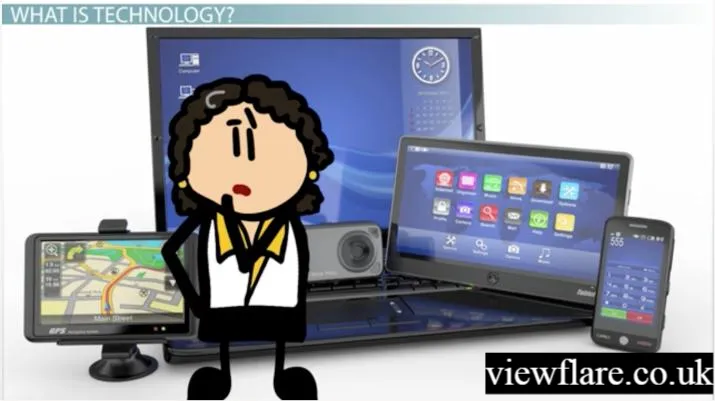
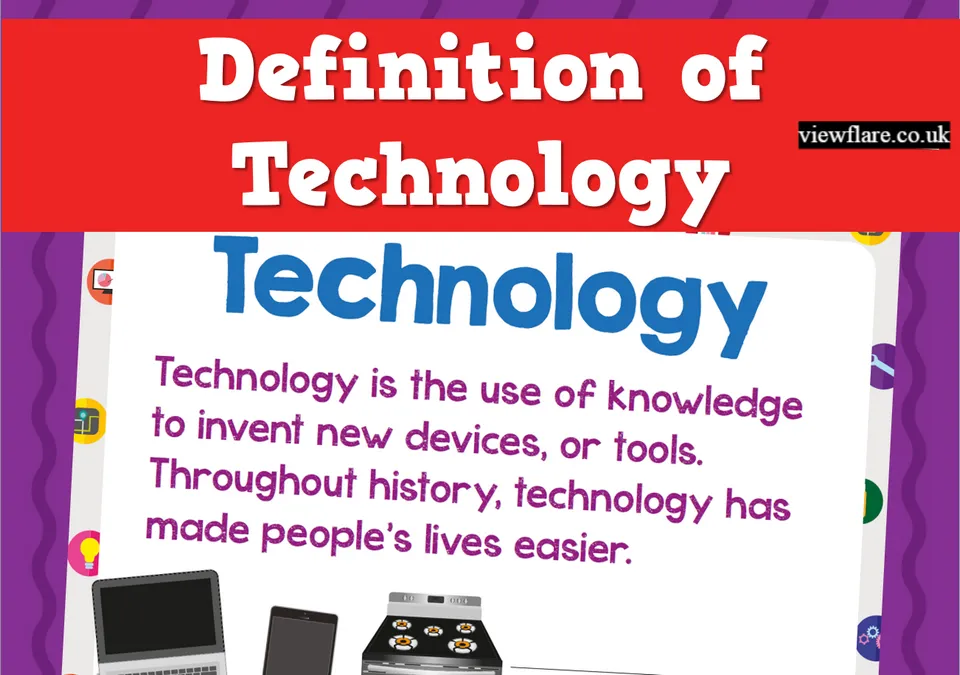
Technology is something people create or use to solve problems, complete tasks, communicate, learn, build things, or make life easier. For kids, technology definition for kids can be as simple as a pencil or bicycle and as advanced as a computer, robot, smartphone, or artificial intelligence system.
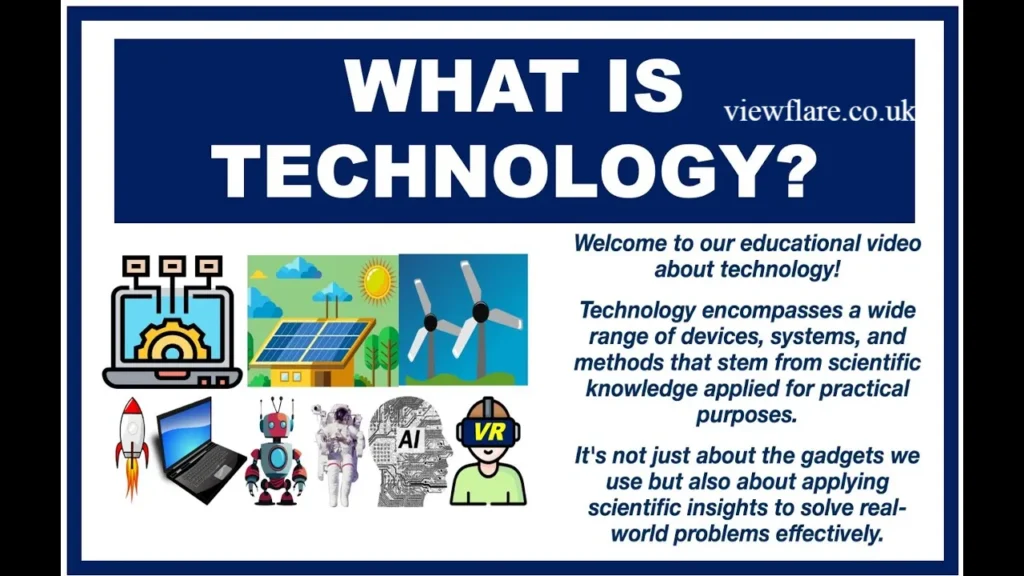
In simple words, technology is the use of knowledge, tools, machines, and processes to solve problems or accomplish goals.
This definition is broader than simply saying “technology means computers.” In STEM education, technology can include the tools and practices people use to solve problems, which is why technology can involve both digital devices and physical inventions.
This guide explains technology in kid-friendly language, gives everyday examples, introduces important technology vocabulary, and shows how technology connects with STEM education, coding, AI, digital literacy, and online safety.
What Is a Simple Technology Definition for Kids?
Technology is a tool, invention, or method that people use to solve a problem or make something easier.
For example:
- A bicycle helps people travel.
- A calculator helps people solve math problems.
- A computer helps people create, calculate, research, and communicate.
- A smartphone allows people to communicate and access information.
- A robot can perform programmed tasks.
- A microwave helps heat food quickly.
- A GPS system helps people find directions.
- AI tools can help computers perform tasks such as recognizing information or generating content.
Technology does not always need electricity. A wheel, ruler, pencil, bridge, or simple hand tool can also be considered technology because humans designed these tools to accomplish particular purposes.
Technology vs. Science
These words are related but not identical.
Science focuses on understanding how the natural world works. Technology uses knowledge, tools, and processes to accomplish practical goals.
For example, scientists may study how plants grow, while technology can help create systems for monitoring plant growth
Why Is Technology Important for Kids?
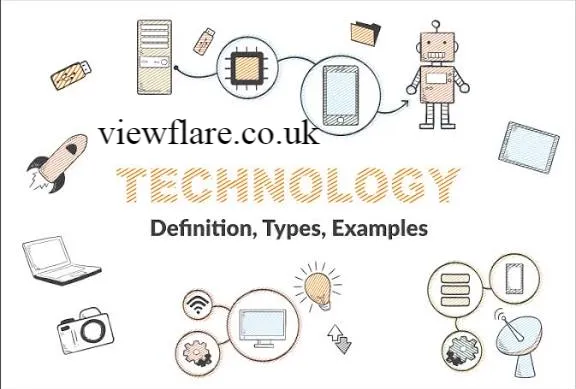
Technology can help children learn, create, communicate, investigate, and solve problems.
The goal is not simply to give children more screen time. Good technology education teaches children how to understand and use tools thoughtfully.
Technology can help kids develop:
- Problem-solving skills
- Creativity
- Digital literacy
- Communication
- Logical thinking
- Research skills
- Computational thinking
- Collaboration
- Basic computer skills
- Coding knowledge
- STEM skills
Recent U.S. Department of Education guidance published in August 2026 emphasizes that educational technology should be selected for its instructional value and student outcomes, rather than simply for recreational engagement.
That distinction is important: technology should support learning, not replace good teaching, play, conversation, or real-world experiences.
Where Do Kids See Technology Every Day?
Technology is everywhere, often in places children may not immediately recognize as “technology.”
| Everyday Technology | How It Helps |
|---|---|
| Smartphone | Communication and information |
| Computer | Schoolwork, research, creation |
| Tablet | Learning, reading, games |
| Wi-Fi router | Connects devices to the internet |
| GPS | Helps with navigation |
| Smart speaker | Answers questions and responds to commands |
| Camera | Captures photos and videos |
| Robot | Performs programmed tasks |
| Printer | Turns digital information into paper |
| Game console | Provides interactive entertainment |
| Digital watch | Displays time and other information |
| Microwave | Uses technology to heat food |
In the U.S., internet access is already deeply integrated into children’s lives. NCES reported that 97.7% of children ages 3–18 had home internet access in 2023, although access methods and circumstances varied.
That makes understanding technology—and using it safely—an increasingly important part of digital literacy.
What Are the Main Types of Technology Kids Should Know?
Children don’t need to memorize every technical term. A useful starting point is to understand a few major categories.
1. Computer Technology
Computer technology includes devices and systems used to process information.
Examples include:
- Desktop computers
- Laptops
- Tablets
- Keyboards
- Mice
- Monitors
- Printers
- Storage devices
2. Internet Technology
Internet technology allows computers and other devices to communicate and exchange information.
Important internet vocabulary includes:
- Internet
- Website
- Web browser
- Search engine
- URL
- Wi-Fi
- Network
- Server
- Download
- Upload
3. Communication Technology
Communication technology helps people share information.
Examples include:
- Messaging apps
- Video calls
- Social media
- Smartphones
4. Educational Technology
Educational technology includes digital tools and systems designed to support learning.
Examples include:
- Online learning platforms
- Educational apps
- Digital textbooks
- Interactive simulations
- Coding platforms
- Virtual classrooms
What Basic Computer Terms Should Kids Know?
A simple IT glossary for kids can make technology much less confusing.
Here are some basic computer terms:
Hardware: The physical parts of a computer that you can touch.
Software: Programs and instructions that tell a computer what to do.
Keyboard: An input device used to type letters, numbers, and symbols.
Mouse: A device used to move a pointer and interact with objects on the screen.
Monitor: The display that shows text, pictures, videos, and programs.
Operating system: Software that manages a computer and allows other programs to run.
Data: Information stored or processed by a computer.
Memory: Computer components used to hold information needed while programs operate.
USB: A common connection used to connect devices and transfer data.
Understanding these basic computer terms gives children a foundation for more advanced computer science concepts.
How Does Coding Connect to Technology?
Coding is the process of writing instructions that tell a computer what to do.
A child learning coding may create a simple animation, game, website, or robot program.
Some common coding vocabulary includes:
- Code: Instructions written for a computer.
- Program: A set of instructions that performs a task.
- Algorithm: A step-by-step method for solving a problem.
- Command: An instruction given to a computer.
- Function: Reusable code designed to perform a particular task.
- Bug: An error in a program.
- Debugging: Finding and fixing errors.
Coding can also teach children to experiment. When a program doesn’t work, children can identify the problem, change the instructions, test again, and improve their solution.
Hands-on engineering and making activities similarly encourage children to observe, design, test, make mistakes, and improve their ideas.
What Is AI? A Simple Explanation for Kids
Artificial intelligence, or AI, is technology that enables computers to perform tasks that can involve abilities commonly associated with human intelligence.
Children may encounter AI through:
- Search engines
- Educational applications
- Voice assistants
- Recommendation systems
- Chatbots
- Image-generation tools
- Translation tools
Some important AI terms for kids include:
Algorithm: A series of steps used to solve a problem or complete a task.
Machine learning: A type of AI in which computer systems learn patterns from data.
Chatbot: Software designed to communicate with people through conversation.
Generative AI: AI that can create content such as text, images, audio, video, or code.
Prompt: An instruction or question given to an AI system.
AI literacy should include understanding that AI systems can produce mistakes. Children should learn to check important information and avoid sharing private information with AI tools.
What Is STEM and Why Does It Matter?
STEM stands for Science, Technology, Engineering, and Mathematics.
STEM education helps children explore how these areas work together to solve problems.
For example, imagine a child designing a bridge from building blocks:
- Science can help them understand forces and materials.
- Technology provides tools and methods.
- Engineering helps them design and improve the bridge.
- Mathematics helps them measure length, weight, and balance.
STEM learning doesn’t have to happen only in a classroom. Building, measuring, experimenting, coding, designing, and testing can all become STEM activities.
Research and educational programs around engineering emphasize the value of hands-on design, testing, mistakes, and iteration.
What Is Tinkering? A Kid-Friendly Definition
Tinkering means experimenting with something to see how it works, often by changing, building, taking apart, testing, and improving it.
For example, a child might:
- Build a tower from blocks.
- Change the design when it falls.
- Make a paper airplane.
- Test different shapes.
- Create a simple circuit.
- Experiment with a coding project.
Tinkering teaches an important lesson: you don’t have to get everything right the first time.
Even low-tech activities can encourage engineering thinking. Smithsonian educational materials describe hands-on design as a process of observing, making, testing, and adjusting solutions.
Fun Technology and STEM Activities for Kids
Technology learning becomes more meaningful when children can make and experiment, rather than only watch.
Try these activities:
1. Build a Paper Bridge
Give children paper and tape and challenge them to build a bridge that can hold small objects.
2. Create a Simple Algorithm
Ask your child to write step-by-step instructions for making a sandwich.
Then ask: “What happens if we change the order?”
3. Design a Paper Airplane
Make several airplane designs and test which travels the farthest.
4. Practice Coding Without a Computer
Give one child instructions such as “move forward two steps, turn right, and move forward three steps.” This introduces algorithmic thinking without a screen.
5. Identify Technology at Home
Walk around the house and ask:
“What problem does this technology solve?”
Children may identify a refrigerator, washing machine, doorbell, phone, television, thermostat, or microwave.
How Can Kids Stay Safe While Using Technology?
Technology skills should always include internet safety for kids.
Important concepts include:
- Use strong passwords.
- Don’t share passwords with friends.
- Avoid sharing private information online.
- Ask a trusted adult before downloading unfamiliar software.
- Be careful with unexpected messages and links.
- Report cyberbullying.
- Check information before believing or sharing it.
- Think carefully before posting photos or comments.
- Understand that online activity can contribute to a digital footprint.
Important Online Safety Terms
Phishing: A scam designed to trick someone into revealing information.
Malware: Harmful software.
Cyberbullying: Using digital technology to hurt, threaten, embarrass, or harass another person.
Firewall: A security system that can help control unwanted network traffic.
Digital footprint: The record or trail created by a person’s online activities.
Digital citizenship: Using technology safely, responsibly, respectfully, and thoughtfully.
Online safety should be taught alongside technology skills rather than treated as a completely separate subject.
Is Technology Always Good for Kids?

No technology is automatically good or bad; its value depends on how, why, and when it is used.
A coding activity that encourages a child to create something is very different from passively scrolling for hours.
For younger children especially, technology should complement—not replace—conversation, physical activity, play, exploration, and interaction with adults and other children. A 2026 UK Department for Education report similarly emphasized that digital technology for children under five should complement face-to-face interaction, play, and exploration.
A useful question for parents and teachers is:
“What is the child doing with the technology?”
Creating, investigating, communicating, designing, and solving problems can provide very different learning experiences from passive consumption.
How Can Parents and Teachers Build Technology Skills?
Children don’t need expensive equipment to begin.
Try combining:
- Books and technology vocabulary
- Hands-on building
- Coding games
- Simple science experiments
- Digital research
- Creative projects
- Educational apps
- Online safety discussions
- Real-world problem solving
The strongest approach is often active learning: let children ask questions, make predictions, build something, test it, and explain what they discovered.
This approach also connects technology with broader STEM learning rather than treating computers as an isolated subject.
Technology Resources for Children
Families and educators can explore age-appropriate resources from organizations such as Code.org, NASA, the Smithsonian, and other educational providers.
Resources can support:
- Coding
- Computer science
- Science experiments
- Engineering challenges
- Digital citizenship
- Online safety
- AI literacy
- STEM exploration
When choosing an educational technology resource, consider whether it has a clear learning purpose, is appropriate for the child’s age, protects privacy, and encourages active participation.
Technology Facts for Kids
Here are a few easy facts children can remember:
- Technology is more than computers and smartphones.
- A bicycle can be considered technology because it is a human-designed tool.
- Coding gives computers instructions.
- AI can perform certain tasks associated with human intelligence.
- STEM means Science, Technology, Engineering, and Mathematics.
- Hardware is the physical part of a computer.
- Software consists of programs and instructions.
- The internet connects computers and other devices around the world.
- Digital citizenship means using technology responsibly and respectfully.
- Tinkering involves experimenting, testing, changing, and improving ideas.
Frequently Asked Questions
What Is a Technology Simple Definition?
Technology is the use of knowledge, tools, machines, systems, or processes to solve problems and accomplish useful tasks. For kids, examples include computers, bicycles, phones, tools, robots, and many everyday objects.
What Is an Engineering Definition for Kids?
Engineering is the process of using science, mathematics, creativity, and problem-solving to design and improve things that solve real-world problems.
What Is a Tinkering Definition for Kids?
Tinkering means experimenting with something by building, changing, testing, taking apart, or improving it to understand how it works or make it work better.
What Are Some Technology Examples?
Common technology examples include computers, smartphones, tablets, bicycles, cameras, televisions, robots, GPS systems, medical devices, washing machines, and internet-connected devices.
What Are Some Technology Facts for Kids?
Technology is not limited to electronic devices. It includes tools, machines, systems, and processes designed by people to accomplish tasks or solve problems. Coding, robotics, AI, computer science, engineering, and digital communication are all connected to modern technology.
Conclusion
The simplest technology definition for kids is this: technology is something people create or use to solve problems, complete tasks, or make life easier.
Children encounter technology every day, from pencils and bicycles to computers, smartphones, robots, AI tools, and the internet. Learning the vocabulary behind these tools helps children develop digital literacy, computer skills, coding knowledge, STEM thinking, and responsible technology habits.
The best technology education goes beyond knowing what a device does. It encourages children to ask how it works, why it was created, what problem it solves, and how it could be improved.
That mindset turns technology from something children simply consume into something they can understand, question, design, and create.
Author Bio: Johan Harwen is a technology and education writer who creates simple, engaging content about technology, STEM, AI, and digital literacy for kids. He focuses on making complex tech concepts easy to understand for students, parents, and educators.
Email: johanharwen@314gmail.com
Author Name: Johan Harwen